
30 Day Productivity Planner for Cam Models: Boost Performance and Achieve Your Goals
Understanding the 30 Day Productivity Planner for Cam Models
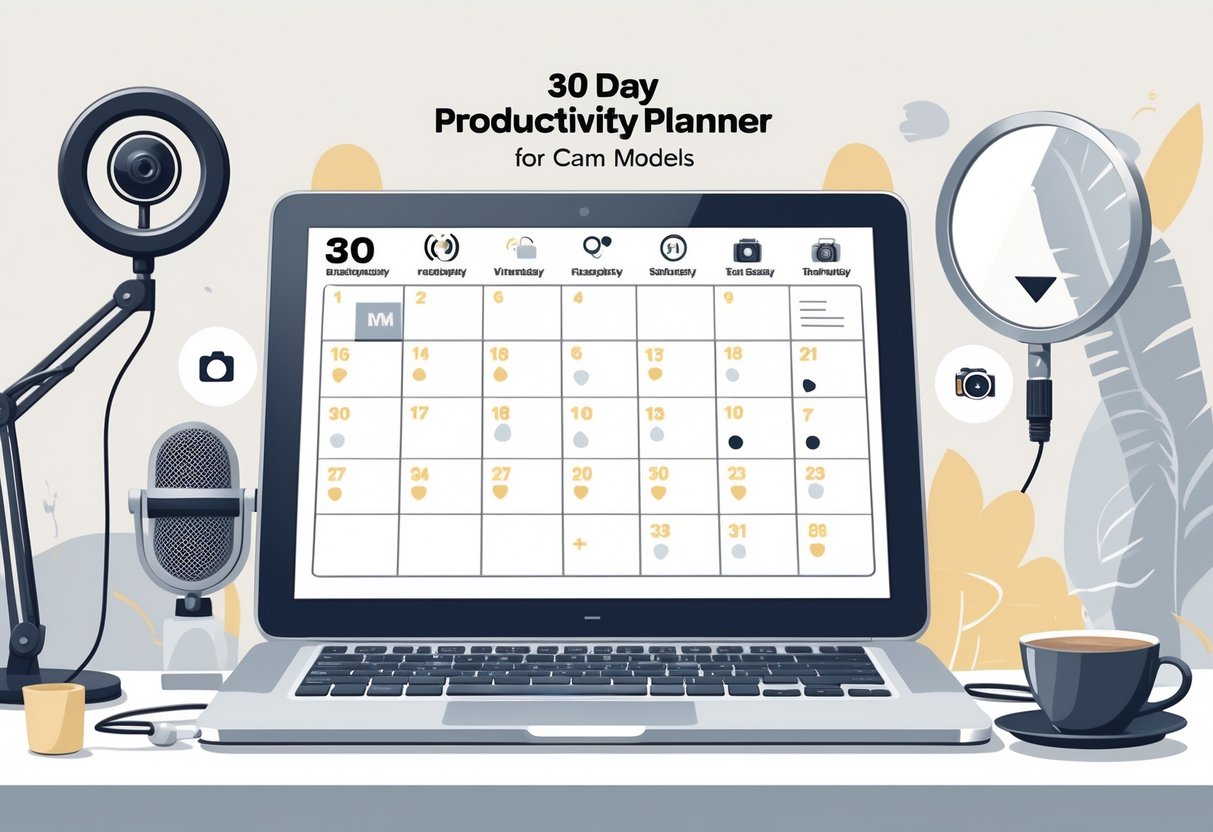
A 30-day productivity planner helps cam models juggle their time, cut down on stress, and actually hit their work goals. For folks working solo, it offers a bit of structure,something that’s easy to lose track of but honestly, so necessary for steady progress.
What Is a 30-Day Productivity Planner?
Think of a 30-day productivity planner as a roadmap, laying out daily tasks and priorities for a full month. It takes those intimidating goals and chops them into bite-sized steps, with regular check-ins and space for reflection.
Most people jot down daily objectives, must-dos, and habits they want to keep an eye on. That way, every day feels like it has a point,which, let’s be real, is huge when you’re your own boss.
Many planners toss in spots for notes, reminders, and tracking little wins. That makes it easier for cam models to actually see progress and pivot if something’s not working.
Why Cam Models Need Structured Productivity Plans
Cam models deal with weird hours, tons of online interactions, and the constant pressure to come up with new content. Without some kind of routine, it’s just too easy to get sidetracked or overwhelmed.
A productivity planner lets them actually block out time for filming, editing, planning, and self-promotion,not to mention breaks and self-care, which are easy to forget but totally essential for not burning out.
With a plan, there’s no guessing what to do next. That leaves more brain space for creative stuff and growing the business. There’s even research showing that planning reduces stress and helps creators,cam models included,manage time better.
Key Features of an Effective Productivity Planner
An effective 30-day productivity planner should have a few essentials:
- Daily and Weekly Planning Pages: For listing out what’s big, what’s small, and what just needs to get done.
- Goal Setting: It should break down monthly goals into daily action steps.
- Notes and Reflection Sections: Somewhere to track what’s working and what’s not.
- Habit and Wellness Trackers: Because routines and wellness matter for staying sharp.
Some planners also add checklists or visuals to help keep things organized. Cam models need planners that are easy to tweak,think reminders for live shows, space to track business stats, that sort of thing. If you’re curious, here’s how some creators use a 30-day plan to boost productivity.
Setting Goals and Staying Motivated
Clear goals and a steady drip of motivation make a 30-day planner actually work. It’s the little daily actions, the right encouragement, and a bit of planning that help cam models build momentum and hit those milestones.
Defining Your 30-Day Goals
Honestly, a 30-day productivity planner is only as good as the goals you set. It helps to get specific,like, instead of just “do better,” maybe it’s “stream two extra hours this week” or “reply to every message.”
Writing down both short-term and longer-term targets makes a difference. For example, if growing subscribers is the dream, a weekly goal could be to post daily updates and interact with everyone who reaches out.
Simple tables or checklists keep things on track and make it easier to tweak your approach if needed. Connecting daily goals to a bigger vision (like yearly goals) keeps the challenge from feeling pointless.
Using Motivational Quotes and Prompts
Sometimes, a good quote is all it takes to get through a rough day. Sticking a daily quote at the top of your planner, or even scribbling one on a sticky note, can be a little boost. “Progress is progress, no matter how small”,corny, but it works.
Prompts for self-reflection help too. Questions like “What am I proud of today?” or “What pushed me this week?” make it easier to see growth. These tricks are common in productivity planners and 30-day challenges, and they keep things from feeling like a slog.
Maintaining Motivation and Consistency
Building habits is what really keeps things rolling long-term. Cam models do better when they stick to routines,like going live at the same time, prepping content before, and blocking out breaks.
Tracking wins on a calendar or using a habit tracker can help with accountability. And, hey, small rewards after hitting a goal don’t hurt,maybe a treat or a night off.
Jumping into a 30-day productivity challenge brings some structure and makes improvement a little more bite-sized. Regular check-ins, reminders, and revisiting those motivational quotes keep progress steady, even when energy’s low.
Daily and Weekly Structure for Maximum Productivity
Having a structure makes it way easier for cam models to focus, track progress, and clear out mental clutter. With daily and weekly planning, it’s just simpler to stay on target and not let time slip away.
Designing Your Daily Routine
A daily routine is the backbone of productivity for cam models. Blocking out time for streaming, content creation, and actual breaks helps keep things balanced and stops burnout before it starts.
Figuring out when you’re most focused,maybe mornings, maybe late night,means you can save the hardest tasks for those times. A morning checklist (charge devices, prep outfits, get props ready) sets the tone for the day.
Planning every hour, even with tiny breaks or admin tasks, makes it easier to stick with your goals. Using a daily planner template to lay out priorities frees up mental energy for more important decisions.
Incorporating Daily Pages and Reflections
Jotting down daily pages is a solid way to clear your head and get focused. Whether it’s a notebook or an app, writing out worries or distractions in the morning makes mental room for creativity.
At night, a quick reflection,what went well, what could be better,helps spot patterns. Picking out one win and one area to grow each day keeps the improvement going.
It’s handy to keep these pages together for easy look-back. Over time, you’ll start to see what’s tripping you up or helping you move forward.
Weekly Review Techniques
Weekly reviews are underrated. Taking 30–60 minutes to look at what you got done, what you missed, and what needs to change is honestly worth it.
Some steps to try:
- List out finished tasks
- Note what didn’t get done
- Tweak next week’s schedule
- Plan new promos or themed shows
A productivity challenge checklist can make these reviews less overwhelming. It’s a way to keep focus tight and keep improving, week after week.
Essential Tools and Resources for Success
Having the right tools, planners, and apps can make a big difference for cam models trying to stay productive. With the right setup, it’s way easier to stay organized, keep up good habits, and manage the day-to-day chaos.
Selecting the Right Habit Tracker
A habit tracker is a must for seeing progress on daily goals,live streaming, editing, social engagement, whatever matters most. Usability is key; look for clear calendars, custom habits, and reminders.
Digital trackers often have color coding, streaks, and even little badges for motivation. Apps like Habitica, Streaks, and Loop are popular for a reason.
Some people prefer physical trackers, like bullet journals. Whether you like tapping on your phone or writing by hand, the best tracker is the one you’ll actually use.
Using a Notion Template for Organization
Notion’s a favorite for a reason,it keeps everything in one spot: business stuff, daily lists, projects. A ready-made Notion template for a 30-day planner can save a ton of time and hassle.
Templates might have pages for content ideas, income, goals, and contacts. With tables and checklists, it’s easy to see what’s done and what’s next.
Plus, Notion works on any device and is super easy to update. For cam models, it’s a great way to track schedules, plan shoots, and keep resources handy.
Digital Downloads vs. Physical Planners
Choosing digital or physical planners really comes down to personal style. Digital planners (PDFs, editable templates) work on tablets, laptops, or phones, and they’re easy to back up and update with links or checkboxes.
Many cam models go digital to avoid carrying a notebook everywhere. But, for some, a physical planner just feels better,writing things by hand can help with focus, especially if tech distractions are an issue.
Leveraging Productivity Apps
Apps are a lifesaver. Trello and Asana help organize projects, promos, and editing schedules. Reminder apps make sure nothing slips through the cracks.
Speech-to-text apps like Otter.ai are handy for quick notes after a show or meeting. Time tracking apps like Toggl show where your hours really go.
Mixing and matching apps can automate boring stuff and free up more time for the creative work that actually matters.
Lifestyle Strategies to Boost Productivity
Daily habits shape how well cam models stay on track and get things done. Paying attention to physical health, clearing mental clutter, and learning to manage focus can make each session more productive,and a lot less stressful.
Integrating Exercise Into Your Schedule
Exercise isn’t just for fitness; it’s a secret weapon for energy and focus. Even a quick stretch, walk, or bodyweight routine can lift your mood and help you power through long shifts.
- Schedule workouts: Treat movement like any other work task. Early mornings or between sessions work well.
- Mix it up: Switch between cardio and strength for all-around benefits.
- Involve friends: Invite a fellow cam model or friend for a virtual workout.
Staying active keeps energy up and helps avoid burnout. Even simple movement can refresh your mind, so you come back to work feeling more ready to go.
Managing Mental Clutter
Mental clutter makes it tough for cam models to focus or get anything done. Jotting tasks down on a to-do list? That can really clear your head and help you see what actually needs your attention.
Try these steps:
- End each day by making tomorrow’s list. That way, you can hit the ground running in the morning.
- Use a planner or app to keep both work and personal stuff in one spot.
- Prioritize: Mark anything urgent or high-impact so it stands out.
Take time to tidy up your digital and physical spaces,your phone, your desk, whatever. It’s surprising how much it frees up your mind. Breaking big projects into smaller chunks can make them feel less overwhelming.
Following a to-do list improves productivity and organization.
Cultivating Focus as a Cam Model
Distractions are everywhere when you work online, but you can train your focus. Try working in short, timed bursts,like 25 minutes on, then a quick break. That’s a classic method and it actually works to keep your attention sharp.
Other tactics worth a shot:
- Block distracting apps when you’re live.
- Set boundaries with anyone you live with.
- Work in a tidy, well-lit space,it helps more than you’d think.
Some people find background music or white noise helps them stay present. Turning off notifications during shows or while you’re promoting on social? That can really keep your head in the game.
Measuring Progress and Adapting for Long-Term Growth
A 30-day productivity planner lets cam models keep tabs on what they’re doing each day. Building habits, using trackers, and taking time to reflect can make a real difference in productivity over time.
Tracking Your Progress Over 30 Days
Daily and weekly tracking shows which habits actually help your business. A habit tracker or checklist lets you record tasks, stream hours, ideas, and viewer reactions. If you stick with it, patterns start to pop up.
Example Habit Tracker Table:
| Date | Task Done? | Hours Streamed | New Followers | Notes |
|---|---|---|---|---|
| June 1 | ✔️ | 3 | 18 | Good energy |
| June 2 | ✔️ | 2 | 9 | Tried new show |
Tracking makes it easy to spot your most productive days. That info helps you plan smarter. Whether you use a notebook, app, or planner, it’s not hard to keep an eye on your progress during the 30-day challenge.
Reflecting on Results and Making Adjustments
Weekly reflection matters for long-term growth. Set aside a few minutes each week to look back at your planner.
Check what worked, what didn’t, and maybe even why. If you had a rough day, jot it down. Struggled with time management? Make a note. If something you tried didn’t help, it’s fine to ditch it.
Some folks like to write a quick weekly reflection. Notes like “better engagement after new game” or “lighting sucked on Thursday” help you see what actually made a difference. Tiny tweaks add up over time.
Turning Short-Term Challenges Into Long-Term Habits
Every 30-day challenge has rough patches. Try to see those as chances to learn, not just setbacks. When you use your planner to track what tripped you up, you can start building better routines.
Missed a stream? Motivation tanked? It happens. Maybe set reminders for prep, or sketch out a more detailed schedule. Little fixes can make busy days less overwhelming.
Turning small changes into daily habits builds consistency. Over time, the stuff you track on your 30-day productivity planner just becomes second nature. That’s how you keep growing even after the challenge ends.
Frequently Asked Questions
A 30-day productivity planner helps cam models set clear goals, organize daily tasks, and keep tabs on their routines. Used well, it can boost time management, earnings, and regular progress checks.
What are the essential elements to include in a productivity planner for cam modeling?
You’ll want a daily schedule, income goals, and a spot for content ideas. Don’t forget to plan breaks and downtime,burnout’s real. Notes on viewer preferences and your best performance times can help, too.
How can I track my progress and set goals with a 30-day productivity planner?
Break down big goals into daily or weekly steps. Recording what you finished and what you earned keeps you motivated. A lot of cam models use planners to map out both money and personal growth goals.
What strategies can I implement to increase my earnings using a productivity planner?
Try scheduling shows during high-traffic hours. Keep an eye on what actually brings in more tips or engagement,track it. For more ideas, check out these strategies.
How does time management play a role in a cam model’s productivity planning?
Good time management helps you balance streaming, self-care, and everything else in life. Short, focused sprints,like the Pomodoro Technique,can really help you get more done. Planning ahead means fewer rushed shows and less stress.
Can a 30-day productivity planner help with maintaining a work-life balance?
Absolutely. A planner helps you carve out work and free time so you don’t end up overdoing it. Scheduling breaks and self-care supports better mental health and makes the job more enjoyable, honestly.
What are the best practices for evaluating the effectiveness of my productivity plan?
Review your progress each week, and compare what you set out to do with what actually got done. If things aren’t lining up, maybe tweak your schedule or rethink your targets a bit.
Cam models, for instance, might find it useful to set clear goals and reflect on what methods felt right or genuinely worked. Sometimes, it’s just about noticing what sticks and letting go of what doesn’t.
Last Updated on June 20, 2025 by John Adams
