
Talk About the Difference Between Traditional Camming vs. VR Experiences: Key Comparisons
Core Differences Between Traditional Camming and VR Experiences

There’s something fascinating about how traditional camming and VR-based shows have evolved. The contrast is rooted in the tech behind them, user interaction, and, honestly, the vibe you get from each platform.
Definition and Technology Overview
With classic camming, it’s all about webcams, mics, and decent streaming software. You get a live broadcast on a flat screen,think laptop, phone, or tablet. It’s straightforward and doesn’t break the bank, kind of like joining a video call but with a lot more personality.
Meanwhile, VR experiences crank things up. Using headsets like Meta Quest or HTC Vive, viewers get dropped into a 3D world that feels surprisingly real. It’s closer to VR gaming than a regular stream, with spatial audio and a sense of “being there.”
Price-wise, it’s a different ballgame. A basic webcam might run you $60, give or take, while VR headsets can hit $300 or more. Not everyone can (or wants to) make that jump, but the payoff is a much richer, more interactive show.
User Interaction Methods in VR and Traditional Camming
Traditional camming keeps things simple: type in chat, send a tip, maybe use voice if the platform allows. Performers answer in real time, but it’s still you on one side of a screen and them on the other.
VR, though, tosses in motion tracking, spatial audio, and hand controllers. Suddenly, you’re not just watching,you feel like you’re sharing the space. It’s a bit like stepping into a game, where your gestures and even where you look can change how the session unfolds.
That’s a pretty big leap. Instead of just reacting to text, VR performers and viewers interact in ways that feel, well, almost real. The session can end up feeling more like a hangout than a broadcast.
Content Delivery Platforms Featuring VR and Classic Cams
Most traditional camming sites work right in your browser or on a mobile app. All you need is a decent internet connection and a device,super accessible, but the immersion only goes so far.
VR platforms, however, need more muscle. They support 3D graphics, spatial sound, and avatars, often running on dedicated apps for VR headsets. Some even borrow tricks from VR gaming, like interactive menus and custom environments.
Scalability is another factor. A standard cam site can host thousands of streams on basic servers, but VR platforms need a lot more bandwidth and power. The tradeoff? VR sessions feel way more engaging, but they demand more from everyone involved.
Immersive Experience and Engagement Levels in VR vs. Traditional Camming
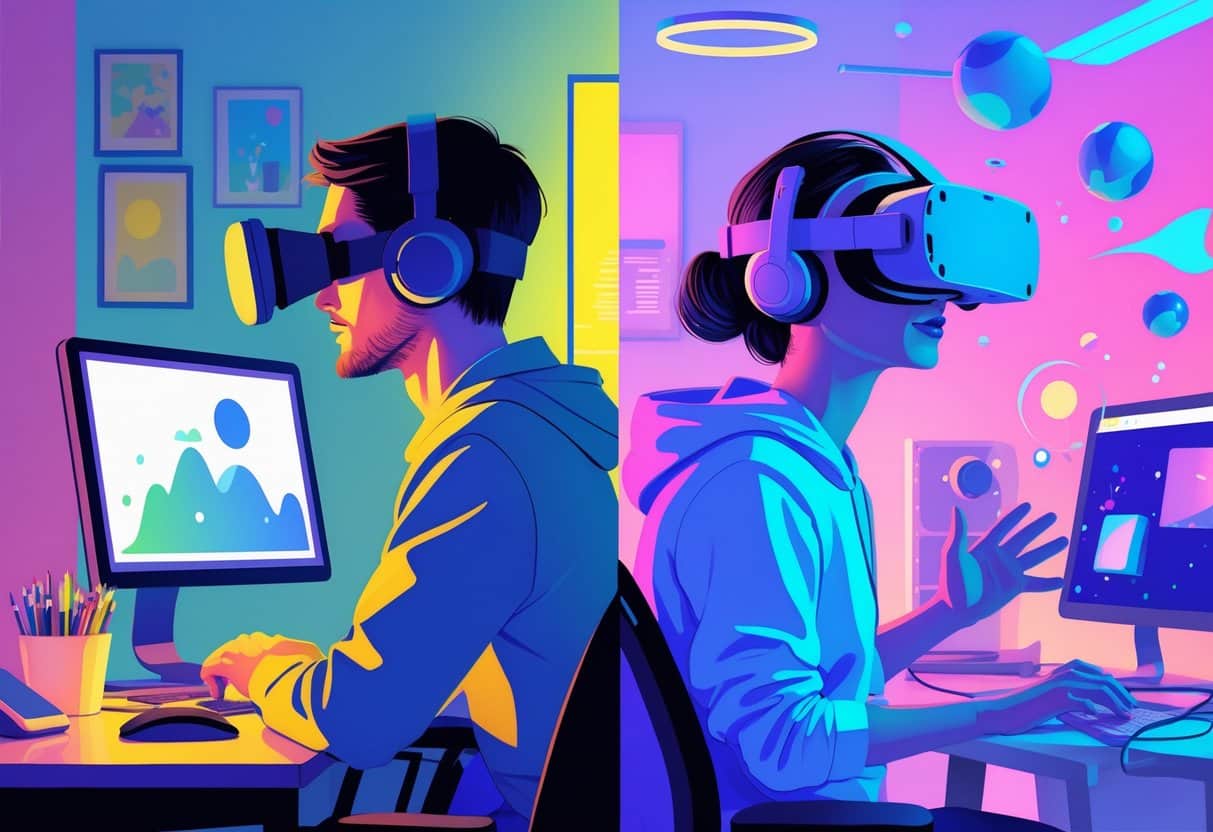
If you’ve ever bounced between a standard cam show and a VR-based session, you know the difference is more than just tech. The sense of presence, emotional reactions, and how you interact all shift dramatically.
Presence and Realism: Traditional Camming vs. VR
Presence is a game changer. With a regular cam, you’re always aware you’re looking at a screen. It’s personal, but there’s a barrier.
When you slip on a VR headset, that barrier kind of melts away. Head tracking and spatial audio make it feel like you’re actually there, sharing a room with the performer. It’s similar to how VR gaming feels compared to old-school console play.
There’s something about seeing a life-sized avatar in a 3D space. It changes how close you feel, making the whole thing less like a show and more like a shared moment.
Emotional Response and Immersion
Emotional impact varies a lot. Traditional camming can spark real connections, but the flat screen limits how deep it goes.
VR pulls you in by engaging more senses at once. Spatial sound, depth, and subtle cues like eye contact make everything feel more authentic. It’s wild how even small details can make your body react as if it’s real life.
Honestly, it’s not that different from how VR gaming can get your adrenaline up. The brain buys into the illusion, and suddenly, you’re way more invested in what’s happening.
User Engagement Statistics: VR vs. Standard Camming
Numbers tell their own story. On traditional cam sites, most interactions are quick,chat, tip, move on. The average session is short and to the point.
In VR, users stick around longer. Platforms have reported session times up to 40% higher than on non-VR streams, with users coming back more often. The immersive quality just makes people want to return, kind of like how VR gamers keep logging in for more.
Retention rates are higher too. It’s not just hype,people actually spend more time and come back for the deeper connection VR offers. For more stats and insights, check out what the experts are tracking at Statista and leading industry sites.
Equipment and Accessibility for VR and Traditional Camming
The gear you need for each type of experience is a big part of the story. The learning curve and upfront costs can make or break the decision for a lot of people.
VR Headset Requirements and Setup
Getting started in VR means picking a headset that works with your platform,some connect to gaming PCs, others are standalone. Each comes with motion sensors, lenses, and controllers for tracking movement.
You’ll need a bit of open space, especially if you want to move around safely. Some headsets are fine for sitting, but the best VR experiences usually want a bit of room.
Specs matter too. Higher resolution and refresh rates help keep things smooth and cut down on motion sickness, which, trust me, can sneak up on you.
Most setups also call for extra gear,controllers, headphones, sometimes even external sensors. The technical side can be a headache if you’re not into troubleshooting, especially with PC-based systems.
Traditional Camming Devices and Simplicity
With traditional camming, you just need a decent webcam and maybe a ring light. Plug it in, open your browser, and you’re good to go. There are no updates, no firmware, and no worries about compatibility.
The focus is on reliability and ease. If something breaks, it’s usually cheap to replace. No need to worry about software glitches or driver updates.
Cost Considerations: VR vs. Classic Camming
VR isn’t cheap. Standalone headsets might start at $300, but if you want top-tier quality, add the cost of a gaming PC or console. Accessories and software can push the total well past $1,000.
Traditional camming is way more affordable. A solid webcam and mic could run under $150, and you’re set. No hidden monthly fees unless you go all-in on premium streaming tools.
In the long run, VR can rack up costs with software purchases, subscriptions, or hardware upgrades, while classic camming stays pretty low-maintenance. For more advice on setup and cost breakdowns, see the guides from vrcamgirl.com and vrstrip.cam.
Physical Activity and User Involvement: Comparing VR and Traditional Camming
There’s a real difference in how much you move with each type of show. Traditional setups are mostly hands-off, while VR can get you up and moving, almost like a light workout or a VR game session.
Movement and Interaction Styles in Camming and VR
With standard camming, you’re pretty much glued to your seat. Maybe you type or click, but that’s about it. The engagement is mental, not physical.
Put on a VR headset, and things change. You’ll be turning your head, moving your arms, maybe even standing up to get the full effect. The immersive experience means you’re using real gestures,leaning in, looking around, reaching out.
That kind of embodiment just doesn’t happen with a regular webcam. It’s one of those things you don’t realize you’re missing until you try it.
| Aspect | Traditional Camming | VR Experience |
|---|---|---|
| Body movement | Minimal | Moderate–High |
| Interaction style | Keyboard/mouse | Gestures, head tracking |
| Engagement level | Stationary | Immersive |
Health and Wellness Impacts of VR and Traditional Camming
Sitting through a cam session doesn’t take much out of you,maybe some eye strain or a stiff neck if it goes long. It’s not exactly taxing.
VR, though, gets your body moving. Even a short session can raise your heart rate a bit, and studies in VR gaming show people burn more calories compared to just sitting and watching.
It’s not a substitute for real exercise, but it does keep you from being totally sedentary. The flip side: you need to watch out for fatigue, and always make sure your play area is safe. A little movement goes a long way, but moderation is key.
Social Interaction and Community Building in VR Camming
There’s something fascinating about how people connect in virtual reality camming versus more traditional platforms. One’s all about direct yet somewhat limited exchanges, while the other lets you step into shared environments where interaction feels layered, even unpredictable at times.
Communication Methods in Virtual Cam Spaces
On standard camming sites, most conversations happen through text chat or one-way video. The performer talks on camera, viewers send messages, and that’s about it. It’s a bit one-sided,the cam model is the focus, but there’s not much room for genuine, real-time back-and-forth.
Honestly, it’s hard to pick up on emotional cues from viewers. You miss out on tone, body language, all the little things that make a conversation feel alive.
With VR camming, everything shifts. Suddenly, you have voice chat, gestures, and avatar expressions in the mix. It gets a lot closer to face-to-face conversation than you’d expect.
Making eye contact through an avatar or throwing in a quick hand wave adds nuance that text just can’t deliver. It’s a bit like comparing classic gaming to VR gaming,one’s flat, the other’s immersive, and you can actually hear someone laugh or see their avatar react in real time.
Shared Virtual Spaces: Building Community
Most camming happens in private rooms or broadcast windows. The vibe is one-to-many, with performers steering the show. Viewers might share the same chat, but real interaction between them? Pretty rare.
In VR, you step into a shared world. These spaces can be set up for group games, events, or just hanging out. The sense of being present with others is way stronger,you almost forget it’s all digital.
Having a communal space nudges people to actually participate. I can join group chats, mess around in games, or just explore with others. It feels more like a team effort, a bit like what you get in VR gaming compared to old-school lobbies.
Socializing becomes less about watching and more about diving in, which honestly, makes things a lot more interesting.
Content Variety and Game Design in VR Adult Entertainment
Looking at content variety and how things are designed, there’s a real split between traditional gaming and virtual reality experiences. Screen-based games have every genre you could want, but VR pushes creators to rethink everything,immersion, comfort, even how you interact with the world around you.
Genre Availability in VR Cam and Gaming
Traditional games? There’s pretty much a genre for everyone. Strategy, RPGs, shooters, puzzles,decades of work have built up a massive library. These games are built for controllers, keyboards, or touch, so they just work.
VR gaming and camming are catching up, but the options are still fewer. Action, simulation, and horror thrive in VR since being surrounded by the environment amps up the experience. For instance, horror in VR? Way more intense, not for the faint of heart.
Some genres, though, don’t translate easily. Strategy games with tons of menus or text-heavy RPGs can feel clunky unless they’re reimagined for VR. Developers usually end up simplifying things or using spatial menus to keep it comfortable.
Here’s a quick look at how genres stack up:
| Genre Type | Traditional Gaming | VR Experiences |
|---|---|---|
| Strategy/RTS | Strong | Limited |
| Horror | Moderate | Strong |
| Simulation | Strong | Strong |
| Puzzle | Strong | Growing |
Recent data from Statista reports that VR gaming revenue surpassed $1.8 billion in 2023, with horror and simulation titles leading the charge. Meanwhile, a survey by XR Today found that over 60% of VR users prefer immersive social experiences, especially those that blend gaming and adult content.
If you’re curious about how adult VR communities are evolving, check out VR Cam Girl for deeper dives and VR Strip Cam for more on immersive camming platforms. For broader industry trends, the Statista VR industry overview is worth a look.
Design Adaptations for VR
Whenever I start thinking about design for VR, everything shifts compared to classic gaming setups. You can’t just rely on familiar tricks like static screens or HUDs,those old staples for delivering info and guiding players just don’t fly in immersive environments.
Menus popping up in your face? Not ideal. Instead, VR designers have to get creative with spatial interfaces,maybe a floating panel, or something that feels natural, like glancing at a wristwatch in-game.
Movement’s another beast entirely. Teleporting, physically walking around, or using smooth locomotion,each option brings its own set of trade-offs. Comfort versus freedom is a constant tug-of-war in virtual reality design.
And, honestly, the way you interact with stuff changes everything. Instead of just mashing a button, you’re reaching out, grabbing, gesturing. It’s more immersive, sure, but also a programming headache at times.
Even something as basic as opening a door becomes an event. It can be a lot more engaging for the player, but wow, it ups the complexity behind the scenes.
Performance is a big deal, too. If the frame rate drops or assets aren’t optimized, people feel it,sometimes literally, with motion sickness. That’s a much bigger issue than in standard games, where you can usually get away with a little stutter.
Designing for VR means tossing out a lot of what you know about pacing and feedback. Every decision, from controls to environmental cues, shapes immersion and comfort. It’s tricky, but when it works, it’s pretty rewarding.
For more deep dives into immersive design, check out [this article from Road to VR](https://www.roadtovr.com/vr-game-design-principles/). Also, if you’re interested in how these concepts play out in adult VR experiences, my other sites,VR Cam Girl and VR Strip Cam,have more insights and real-world examples.

Last Updated on October 31, 2025 by John Adams
